You can make an app without writing traditional code, but “without coding” does not mean without decisions. You still need to define the user, workflow, data, permissions, content, and quality bar.
The right route depends on what you need to learn and what the finished product must do.
1. Start with a clickable prototype
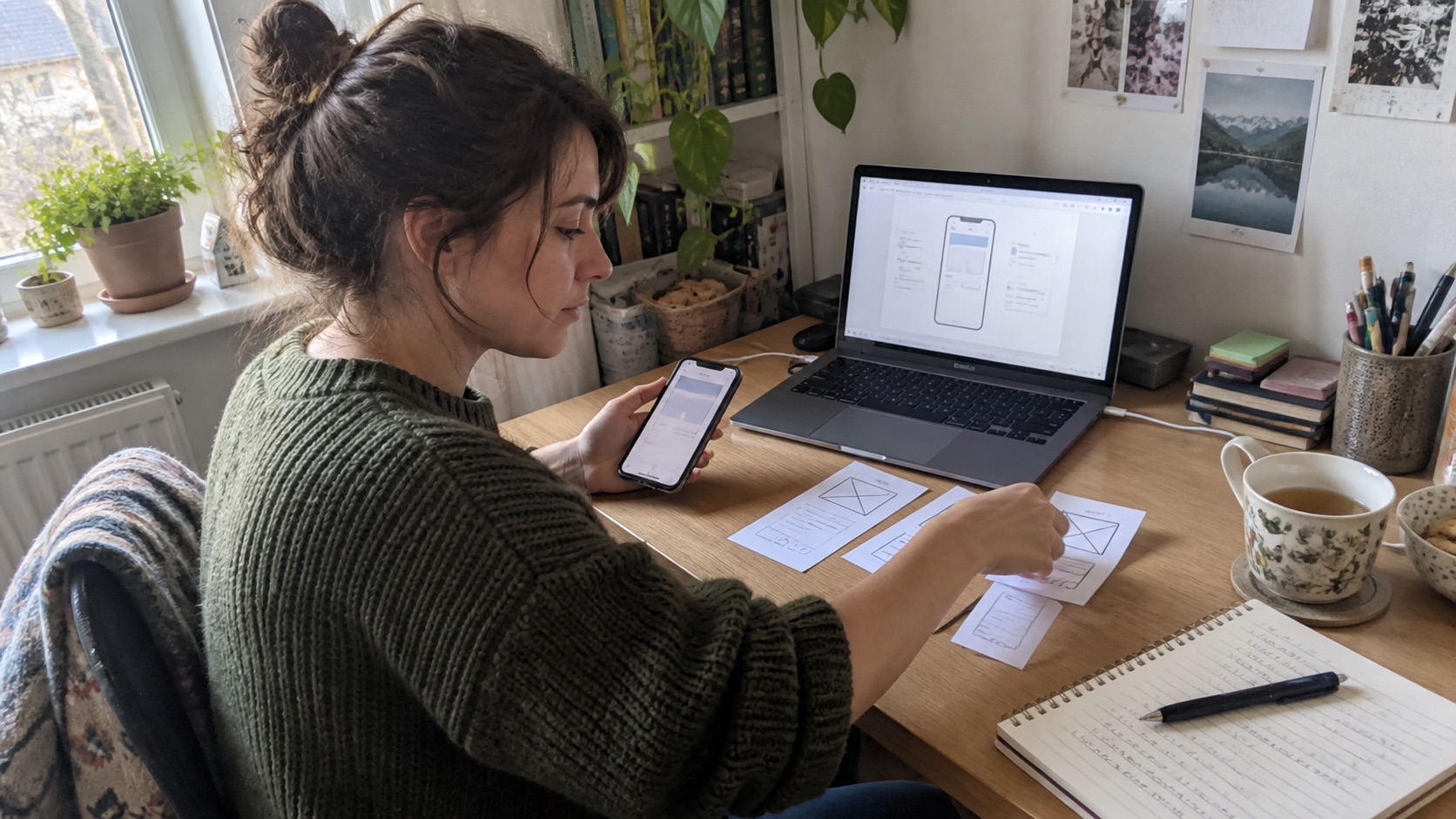
A prototype connects designed screens without a production backend. It is the fastest route when your question is “Do people understand this flow?” rather than “Can customers use it every day?”
Use it for interviews, usability tests, stakeholder alignment, and early fundraising. Do not mistake positive reactions to a polished prototype for evidence that the underlying product works.
2. Use a form and database stack
For intake, directories, approvals, and internal workflows, a form connected to a spreadsheet or database may solve the real problem. Add automation for confirmations and handoffs.
This route is quick and easy to revise, but complex permissions, offline use, rich interactions, and high transaction volume can expose its limits.
3. Build with a visual no-code platform
Visual builders provide screens, data sources, actions, and integrations as configurable blocks. They work well when the product follows supported patterns.
Before committing, test the hardest workflow. Ask whether you can export data or code, publish to the required stores, implement accessibility, connect custom services, and maintain separate environments.
4. Use an AI app builder
An AI builder turns a written brief and feedback into software. It can compress the distance between an idea and a working iteration, especially when it can plan, generate code, run checks, and show a live preview.
The prompt is not the product specification. Describe the user, job, data, edge cases, visual direction, and acceptance criteria. Review generated behavior the same way you would review work from a development team.
If this route fits, read how to build an app with AI.
5. Customize a template
Templates are useful for familiar products such as directories, booking flows, simple stores, or trackers. They provide a working structure and expose which decisions matter.
Choose a template because its data model and journey fit, not because its homepage looks attractive. Reworking the foundations can cost more than starting cleanly.
6. Assemble specialist tools
Some products are better as a small system: a member portal, database, payment link, scheduling tool, and automation layer. This is often enough for a first operational version.
Document where each piece stores data, which tool owns identity, and what happens when an automation fails. Tool sprawl becomes expensive when nobody understands the whole path.
7. Use a managed product-building service
If you want to avoid coding and tool configuration, a managed team or agentic platform can translate the brief into a product. This costs more than self-service tools but can reduce the learning burden and handle custom requirements.
Clarify deliverables, source-code ownership, hosting, maintenance, store submission, and change requests before work starts.
How to choose
Choose a prototype to test comprehension. Choose a simple tool stack to test operations. Choose no-code when the workflow fits the platform. Choose an AI builder when speed and iterative generation matter. Choose custom or managed development when the hardest requirement sits outside standard modules.
Whatever route you take, keep control of your domain, customer data, brand assets, store accounts, analytics, and billing accounts.
Frequently asked questions
Can a no-code app be published in app stores?
Some platforms support store-ready mobile builds; others primarily publish web apps. Check the platform’s current deployment documentation and test on real devices before choosing it.
Is an AI-built app production ready?
It can be, but generation alone does not establish readiness. Security, privacy, error handling, accessibility, performance, backups, and real-user testing still need verification.
What is the easiest first step?
Write the user and core journey in five sentences. Then build the cheapest artifact that answers your biggest uncertainty. For the full sequence, see how to create an app.