GrowApps Agents are no-code AI agents that run 24/7 in the GrowApps cloud. You describe a job in plain words, then run it now, put it on a schedule, or chat with the agent about it. Scheduled jobs keep running while your laptop is closed, and every agent drafts its work for you to approve instead of acting alone.
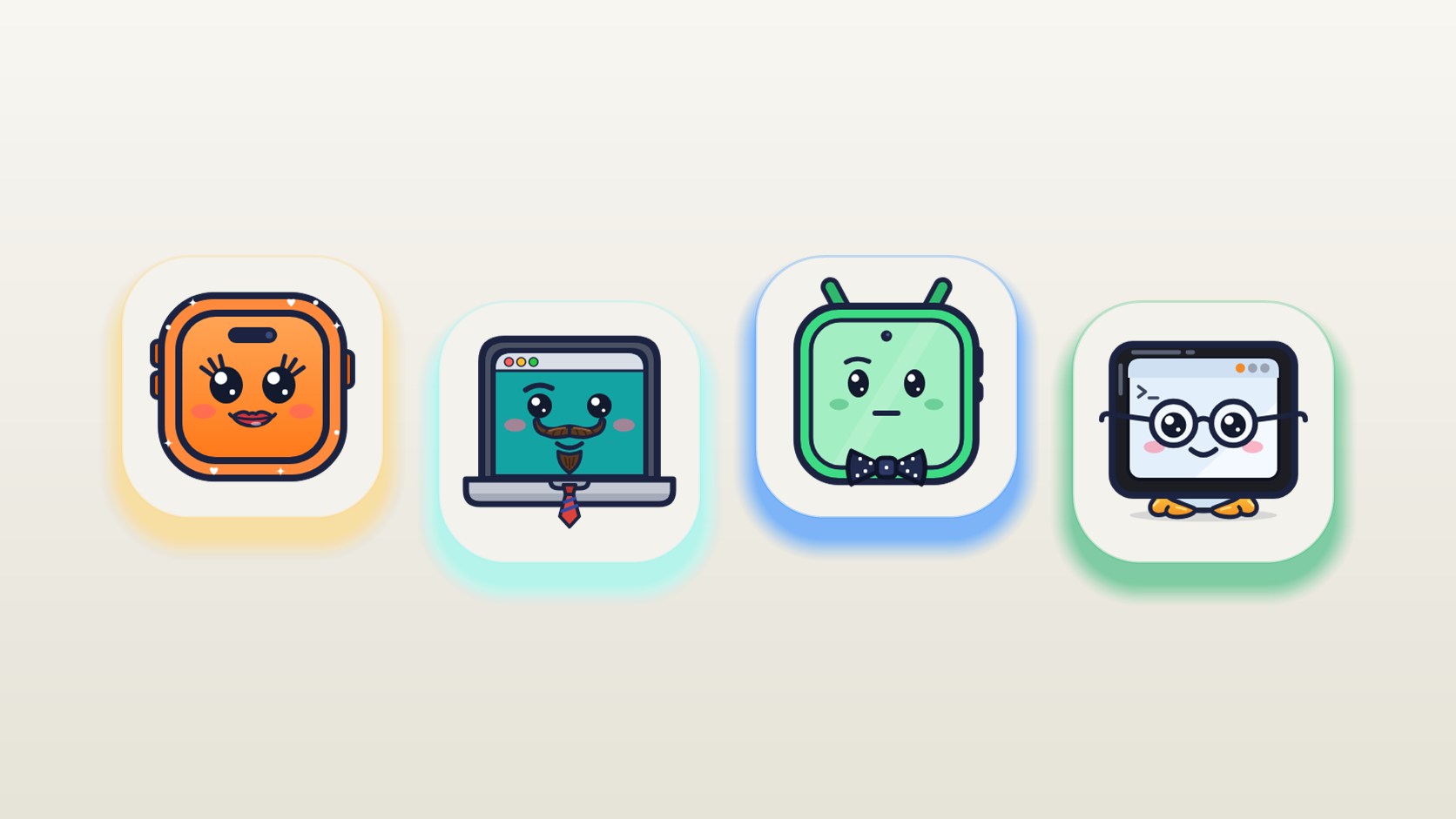
As of October 2026 Agents are in beta. You request a place in the early access group, and GrowApps emails you when your beta is ready. The first three agents are Mary (marketing), Bob (business development) and Cory (company admin). A fourth, Pete, is the build chat every GrowApps app already has.
Agents in short
- What they are: AI agents that work in the GrowApps cloud around the clock, for your GrowApps app or for anything else you do by hand.
- What each one has: GrowApps itself, a browser where you are signed in, and the integrations you connect: Gmail, Slack, Notion and Stripe.
- Three ways to work: run a job now, put it on a schedule, or chat.
- Safety rule: they draft, you decide. They never send, publish, pay, sign or delete on their own.
- Status: beta. Early access members get 30 credits for automations to try them.
- Name: Agents is the new name for the agent side of GrowApps Automations.
What can an agent do?
Each agent has one area of work.
| Agent | Role | What it does |
|---|---|---|
| Mary | Marketing | Reads your ads and your numbers, drafts posts, release emails and new creatives. |
| Bob | Business development | Finds the people worth writing to, drafts the outreach and keeps the follow ups coming. |
| Cory | Company | Keeps on top of vendors, bills, renewals and paperwork, so nothing lapses. |
| Pete | Product | Builds, checks and ships your app. He is the build chat you already talk to. |
Mary, Bob and Cory are the beta. Pete already works in every GrowApps app, so there is nothing to join for him.
Which tasks suit an agent?
An agent suits work you would otherwise explain to a person: it repeats, it takes a few steps, and the steps differ a little each time. These are examples of jobs the three roles cover. The beta is where we find out which ones work best, so expect to adjust the wording of a job as you go.
| Job | Agent | How often | What you get back |
|---|---|---|---|
| Check three competitor pricing pages and note any change | Mary | Every morning | A short note on what changed, saved to Notion |
| Read last week's ads and numbers and write the digest | Mary | Every Monday | A draft email in Gmail, waiting for you |
| Turn the week's numbers into a short summary for your team | Mary | Every Friday | A Slack message, drafted and waiting for your approval |
| Find ten people worth writing to and draft the first message | Bob | Every Tuesday | Draft emails, waiting for you |
| Watch for upcoming renewals and save the invoice | Cory | Every month | A heads up about the renewal, with the invoice saved |
In each case the agent does the looking, reading and drafting, and you make the decision.
How do I give an agent a job?
There are three ways, and the same agent can do all three.
- Run it now. Give an agent a job and watch it work through the steps.
- Put it on a schedule. Every morning, every Monday, every month. It runs in the GrowApps cloud, 24/7, so your laptop can stay closed.
- Chat with them. Ask what they found, change the plan, or hand over the next job.
A good first job is one you already do by hand every week. Run it once, read what comes back, then put it on a schedule.
How is this different from Zapier-style automations?
Tools such as Zapier, Make and n8n connect apps with a flow you build: when this happens, do that. They fit when the steps never change and both apps offer a connection. If a flow copies a spreadsheet row to a channel every hour, you do not need an agent.
An agent starts from a goal in plain words and works out the steps. That matters when a job has judgment in it, or when the only way in is a website.
| Zapier-style flow | GrowApps agent | |
|---|---|---|
| You describe | Triggers, actions and fields | The job, in plain words |
| It works with | Apps that offer a connection | Integrations you connect, plus a browser where you are signed in |
| To change it | Edit the flow | Chat with the agent |
| Best for | Fixed, repeatable app to app steps | Jobs with variation, such as reading, comparing and drafting |
| Output | Runs its actions as built | A draft for you to approve |
You can use both. Keep the fixed steps in a flow, and give the agent the jobs that need reading and writing.
Can an agent send emails or pay bills on its own?
No. Nothing leaves without you. An email, a post or a payment waits as a draft until you say yes. Send, publish, pay, sign and delete are the five things no agent does alone.
Which tools do agents use?
Every agent is built from GrowApps, a browser and integrations. The browser is one where you are signed in, so an agent can work on a website the way you would. Integrations are the services you connect yourself: the agents page shows Gmail, Slack, Notion and Stripe, and the full list is on the integrations page.
Are AI agents useful for a small business?
Mary, Bob and Cory cover three kinds of work a small team usually does by hand: marketing, finding customers, and company paperwork. These jobs repeat, and they slip first in a busy week. An agent that drafts the follow ups and tracks the renewals leaves you the part that needs you.
How do I join the early access?
- Open the Agents page and press Request early access. Sign in if you are asked to.
- You are added to the early access group.
- GrowApps emails you when your beta is ready. There is no need to check back.
Early access includes the beta version before anyone else, an email when it is ready, and 30 credits for automations to try the agents. People are let in a few at a time.
Request early access at growapps.ai/agents
Frequently asked questions
What is an AI agent?
An AI agent is software that takes a goal, works through the steps to reach it, and reports what it did. A GrowApps agent also has tools: a browser, your connected integrations and GrowApps itself.
Do I need to code to use one?
No. You write the job in plain words and choose how it runs: now, on a schedule, or in a chat. There is no flow to build and no code to write.
Do agents really run 24/7?
They run in the GrowApps cloud, not on your computer. A scheduled job keeps running while your laptop is closed or switched off.
Can an agent work on something other than my GrowApps app?
Yes. Agents work for your GrowApps app, or for anything else you do by hand, such as checking a website, reading your ad numbers or chasing a renewal.
What does early access cost?
Early access members get 30 credits for automations to try the agents. Joining the group is a request, not a purchase.
When can I start using Agents?
Agents are in beta as of October 2026. Request early access and GrowApps emails you when your beta is ready.